FolderPin for Mac
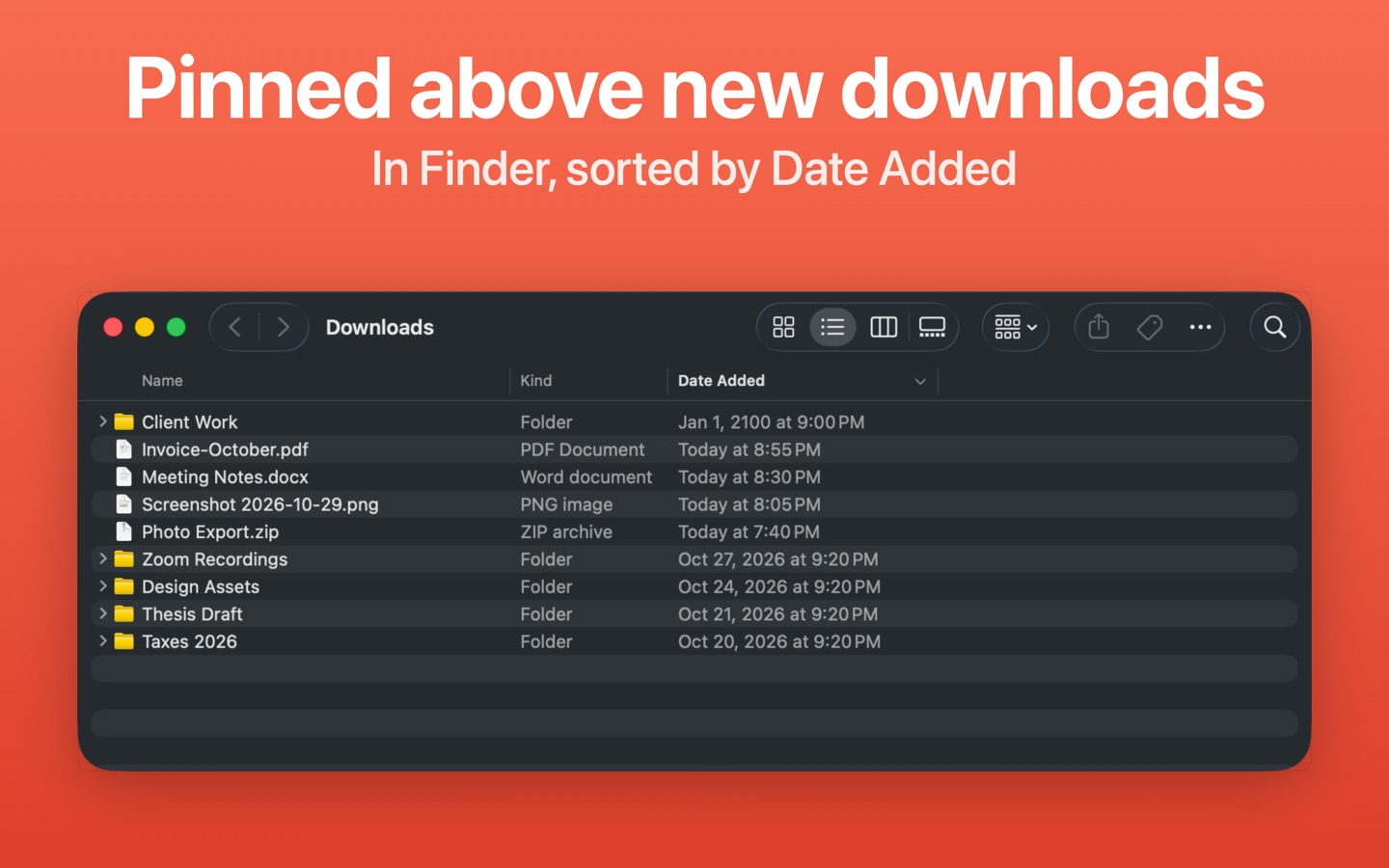
Keep the folders you use every day at the top of Finder when you sort by Date Added. Pin one folder free, then buy once to pin more.
$4.99 one-time, plus tax where applicable · No subscription · macOS 15 or later
How buying works
- Download FolderPin and pin one folder for free, with every feature.
- Buy Pro on this page. The key arrives by email right after payment.
- Paste the key into FolderPin to pin as many folders as you like. One key works on up to 3 Macs.
Questions
How does it keep a folder on top?
FolderPin sets the pinned folder's Date Added to the year 2100, so Finder lists it first when the window is sorted by Date Added, newest first. Finder isn't modified, System Integrity Protection stays on, and unpinning restores the original date.
Does it work with other sort orders?
No. Pinned folders are on top only when Finder sorts by Date Added, newest first. Spotlight, Smart Folders that filter by Date Added, and the Downloads stack in the Dock also see the 2100 date.
Which folders can't be pinned?
Folders in iCloud Drive (including Desktop and Documents when they sync with iCloud), on network volumes, or on disks that don't store Date Added.
Is this a subscription?
No. You pay once and keep the license. Unpinning and restoring original dates are always free.
How many Macs can I use one key on?
Up to 3. To move the key to another Mac, deactivate it in FolderPin on the old one first.
I lost my key.
It is in the email from Dodo Payments, the checkout service we use. Search your inbox for FolderPin.