PointerBeam for Mac
A laser pointer for your Mac cursor, and you can draw on screen. Free for 14 days, then you buy once.
$2.99 one-time, plus tax where applicable · No subscription · macOS 14.6 or later
How buying works
- Download PointerBeam and use every feature free for 14 days.
- Buy a license here. The key arrives by email right after payment.
- Paste the key into PointerBeam. One key works on up to 3 Macs.
Questions
What does PointerBeam do?
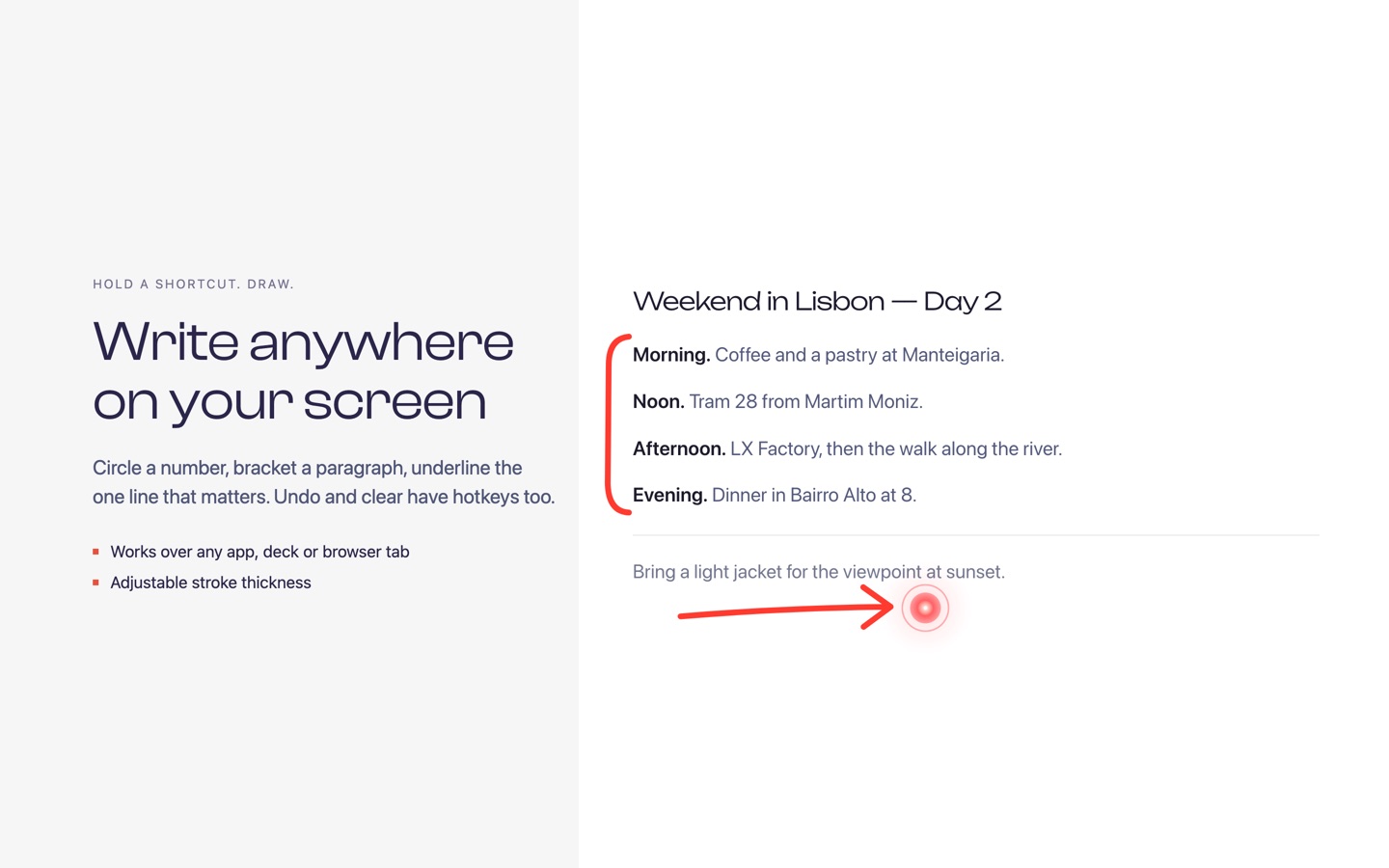
It puts a bright laser on your cursor so people can follow it in screen shares, presentations and recorded tutorials. Hold Command and move the pointer to draw over any app. Press Option to remove the last line. You can change these shortcuts in Preferences.
Is this a subscription?
No. You pay once and keep the license.
Do I need an account?
No. You only need the license key. Your settings stay on your Mac.
How many Macs can I use one key on?
Up to 3. To move the key to another Mac, deactivate it in PointerBeam on the old one first.
How do updates arrive?
PointerBeam checks this site for new versions and installs them when you agree.
I bought PointerBeam on the App Store. Do I need this?
No. Keep using the App Store version. The two purchases are separate, so a key from this page doesn't unlock the App Store version, and the reverse is also true.
I lost my key.
It is in the email from Dodo Payments, the checkout service we use. Search your inbox for PointerBeam.